New camera controls in the editor
Wed Aug 19 2026The editor has new camera controls. You can orbit, pan, and fly without changing modes. The camera you edit with is now separate from the camera your viewers see.
One control scheme for every scene
Observing what kind of Gaussian Splatting models our users share, we noticed that no single camera mode fits every scene. Some scenes need an orbiting camera to frame the subject. Others need you to fly through the space to reach every part of the scene.
Additionally, preparing a scene for sharing, adding annotations, or masking the model requires different controls than the final shared experience.
The previous editor made you choose a mode and switch during your work.
The new controls are built on a simple premise: Editor should be powerful, but shared experience has to stay intuitive. So that's what we did.
The controls
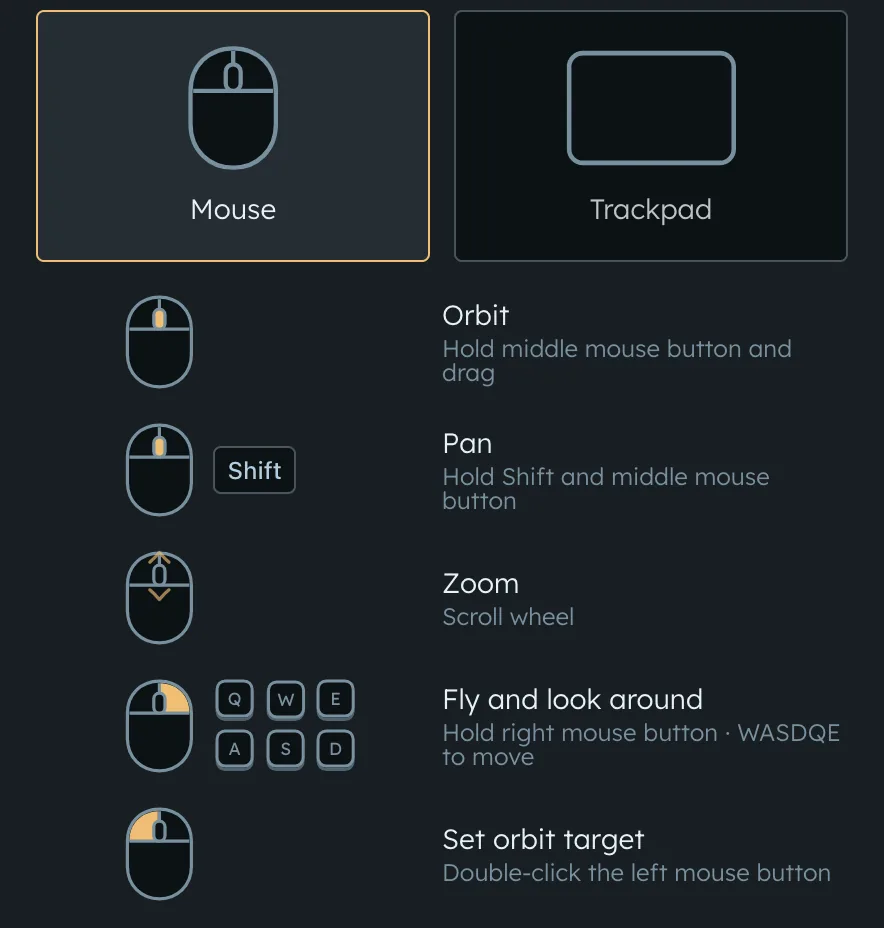
- Orbit: hold the middle mouse button and drag
- Pan: hold Shift and the middle mouse button
- Zoom: scroll the wheel
- Fly and look around: hold the right mouse button, then use WASDQE to move
- Set the orbit target: double-click
On a trackpad, drag with two fingers to orbit, hold Shift while dragging to pan, and pinch to zoom. Hold a secondary click to fly, then use WASD+QE to move.