

AI and automations
Spatial context for
robots and AI agents alike
Connect your agents through MCP
Connect Blurry to the AI tools you already use through the Model Context Protocol (MCP). Give your agents access to your captures and project context without building a custom integration.
Add MCP server
Name
blurry
Server URL
https://mcp.useblurry.com/mcp
API key
blurry_sk_••••••••••••
CancelConnect
Give your agents spatial context
Go beyond images and coordinates. Give your agents information about the objects in a capture and their spatial relationships, alongside your annotations and supporting documents.
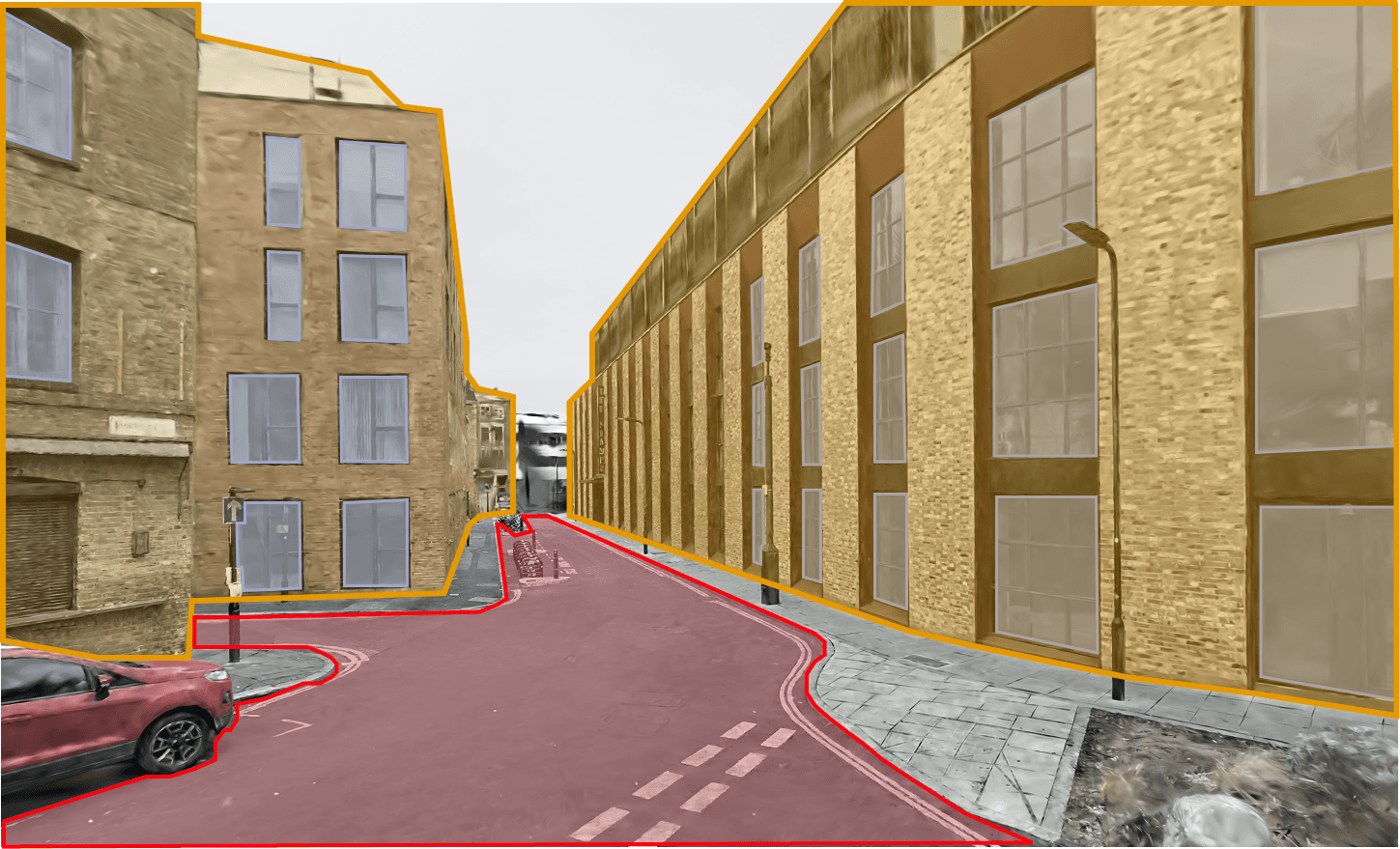
BuildingsRoadWindows
Ask questions about reality
Ask what changed between captures, or how a site compares with its inspection report. Bring captured spaces into the conversation, so your agent works from project context rather than a written description alone.
Apply for early access
Join the early access list for AI and automations in Blurry.