Object manager
Use the Object manager to find and select your scene's 3D Gaussian Splatting (3DGS) model, annotations, and waypoints.
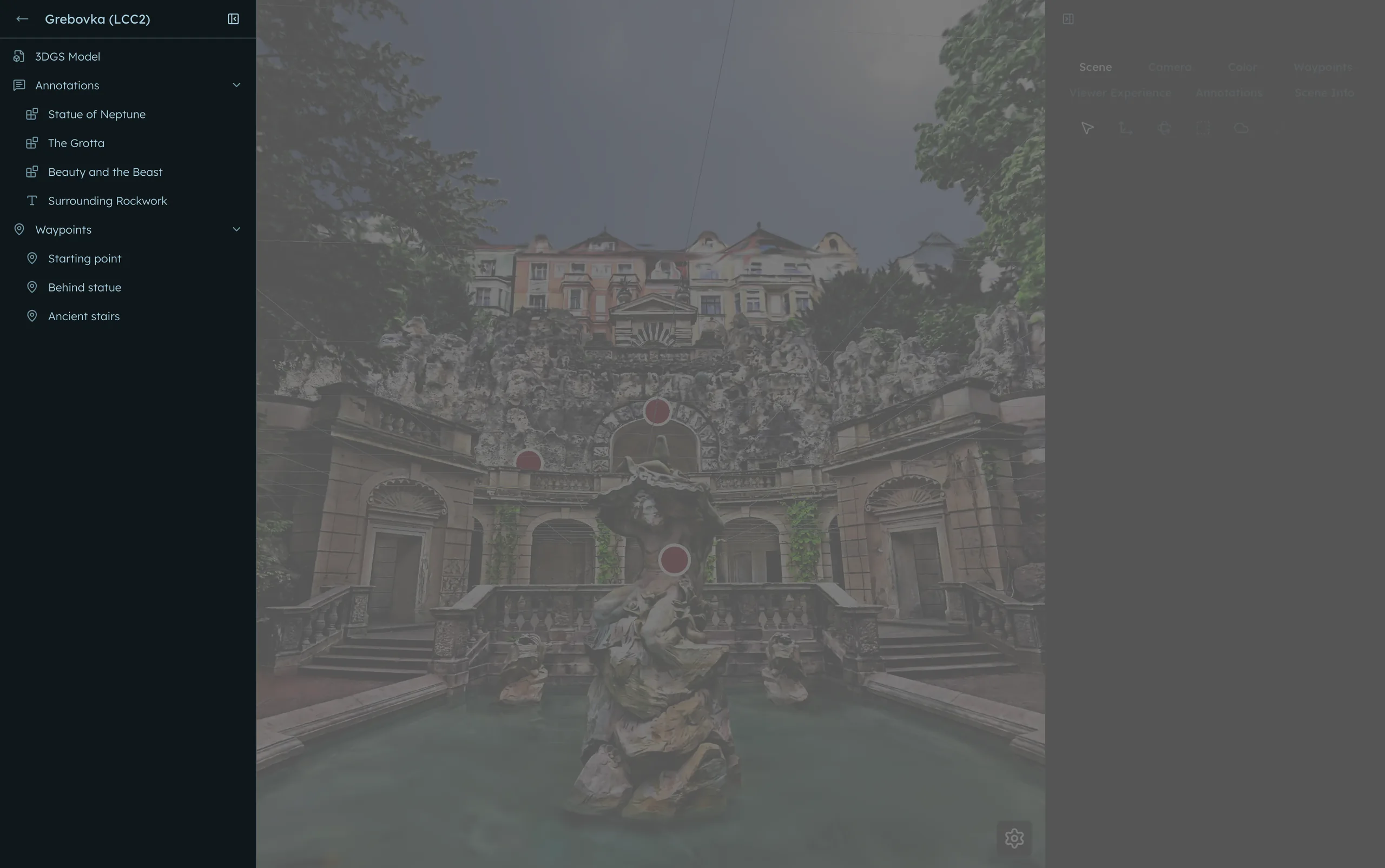
Select objects
Selecting an object is a shortcut for your workflows as it conveniently opens the controls you need to edit or otherwise work with it.
Most of the items in the Object manager are clickable. For example:
- Select 3DGS Model to open the model transform controls
- Select an annotation to open its editing controls
- Select a waypoint to move the camera to its saved view
Show or hide the Object manager
Click (or use the [ shortcut) to hide and show the object manager.
Blurry remembers whether you left the Object manager open or collapsed.